
Image-to-Video AI: How to Animate Product Shots, Photos, and Creatives That Actually Look Cinematic
You already have the perfect product shot. AIVideo.com turns it into 20 cinematic moving ads in minutes — with virtual camera motion, animation, and director-level control across the full model catalog.
Camera motion controls — pan, tilt, zoom, orbit, and dolly moves you can describe in plain language
Multiple models to match your style: Kling O3 for professional motion, Wan 2.7 for versatility, Seedance 2.0 for native audio
Support for common image formats including PNG, JPEG, and WebP at up to 4K resolution
Directorial prompts let you describe action, timing, and atmosphere on top of your source image
How AIVideo Image-to-Video Compares
Image-to-video is now a performance channel. The difference is whether your stack can scale cleanly.
| Feature | AIVideo.com | Foundational Models | Competitor Platforms | Other Tools |
|---|---|---|---|---|
| Built-in Video Editor | Pro-grade multi-track timeline with scene control and AI-assisted iteration | No editor — generation only; finishing happens in a separate NLE | Focused on generation; real revisions still require a separate NLE | Usually limited to basic trim-and-export controls |
| AI Assistant (Ava) | Persistent copilot across ideation, editing, and iteration — stays in context | No assistant layer — each prompt starts from scratch | Task-specific helpers exist but lack full workflow memory | Usually no integrated assistant |
| Multi-Model Support | Broad model catalog spanning video, image, audio, avatars, and more — pick the right one per shot | Limited to their own model family — no third-party models | Limited to their own model family — mostly one core pipeline | Typically locked to a single model or provider |
| Backlot Project Storage | Durable project asset system with versioning and shared workspaces | No persistent project storage — assets live outside the tool | Project context is fragmented across sessions | Storage is fragmented or nonexistent |
| AI Sound + Lip Sync | Integrated audio generation and lip sync in the same workflow — no tool hops | Audio handled in post with external tools | Inconsistent end-to-end audio; lip sync requires manual add-ons | Manual add-ons or no audio support |
| Automation Workflows | Reusable workflows chain ideation → generation → edit → publish in one system | No workflow chaining — single-shot generation only | Partial automation, but limited cross-step chaining | Mostly manual, step-by-step processes |
| Speed to First Draft | <60 seconds in a structured workflow | N/A — generation only, no timeline to ship a draft from | Render is fast, but tool hops push the full draft to minutes | 2–10 minutes typical depending on complexity |
One high-signal source image can outperform ten random generations.
High leverage comes from clarity: one focal subject, clean lighting direction, and composition room for controlled motion. Cluttered inputs create expensive randomness.
Motion should reveal proof, not just spectacle. The first 1-2 seconds must establish subject value, and the ending frame must support CTA recall.
Questions operators should answer before scaling this workflow:
Is the source image clean enough to carry controlled motion?
Are we using one primary movement per shot?
Does the first 2 seconds establish product value?
Does the final frame support CTA and brand recall?
AIVideo gives you an all-in-one AI stack, while others split generation, editing, and operations.
Where most other platforms still break motion
The gap isn't turning stills into video. It's adding cinematic camera motion, consistent characters, and director-level control without losing the original image.
Built-in Video Editor
Usually limited to basic trim-and-export controls
AI Assistant (Ava)
Usually no integrated assistant
Multi-Model Support
Typically locked to a single model or provider
The gap is bigger than feature checklists. We run the same automation engine internally, every day, at production scale.
AIVideo.com by the numbers
reference consistency on most platforms the moment they animate your image
image-to-video is how top creators now treat it — like blocking a real shot
views from our engine that keeps perfect reference fidelity across 97+ models
How to Animate a Still Image on AIVideo.com
Go from static asset to campaign-ready motion in four steps.
Use this image-to-video sequence:
Upload your image
Drag and drop or browse to select your source image. AIVideo.com accepts PNG, JPEG, and WebP files. Higher-resolution inputs produce sharper video output.
Describe the motion and scene
Write a directorial prompt explaining how the scene should move. Specify camera motion (slow dolly forward, orbit left), subject action (model turns to face camera), and atmosphere (golden-hour lighting, shallow depth of field).
Pick your model and settings
Choose Kling O3 for professional quality, Wan 2.7 for versatility, Seedance 2.0 for audio-inclusive clips, or AIV Consistent Video when brand fidelity matters. Select aspect ratio and clip duration.
Preview, download, or regenerate
Watch the generated clip in the browser. Download in full resolution when you are happy with the result. Need a different camera angle or more dramatic motion? Adjust the prompt and regenerate in seconds.
Keep reading
More from the AIVideo blog — pick the next playbook for your team.
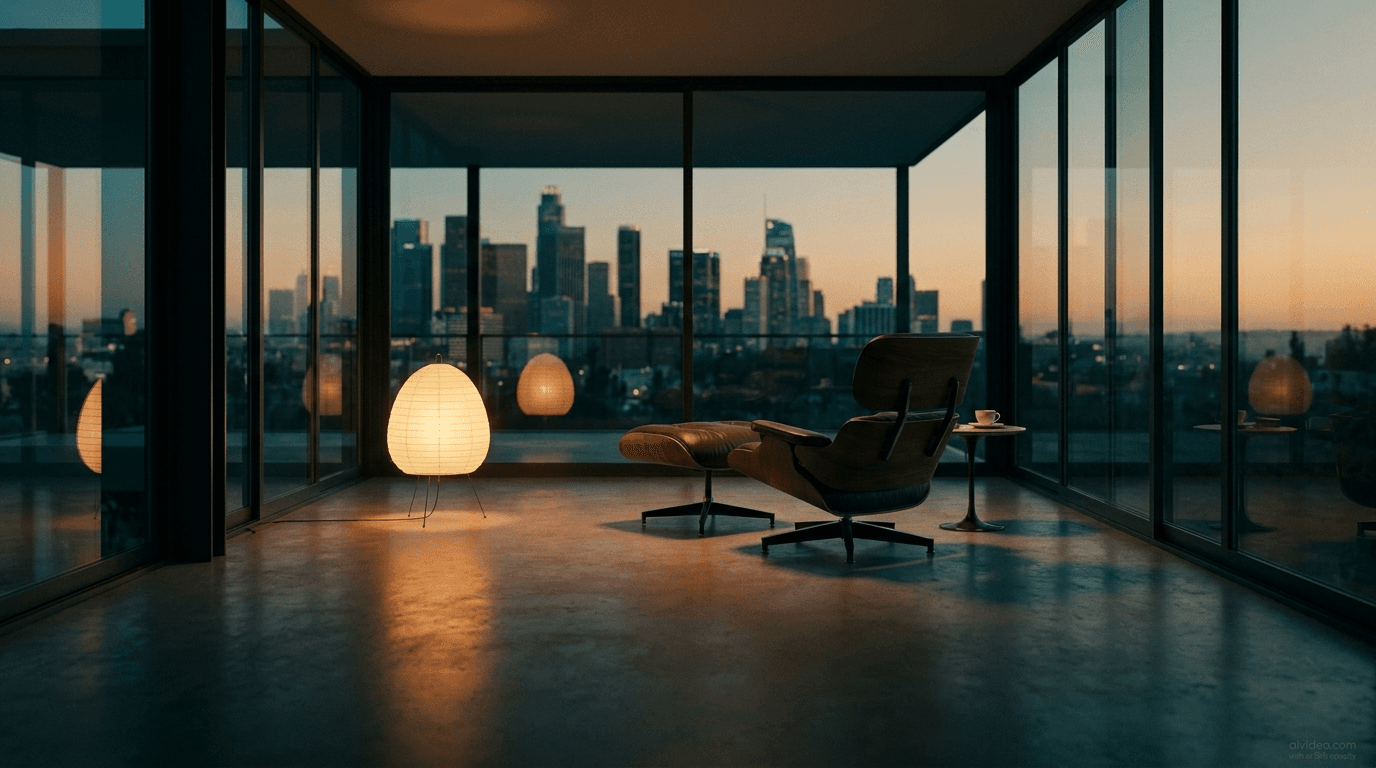
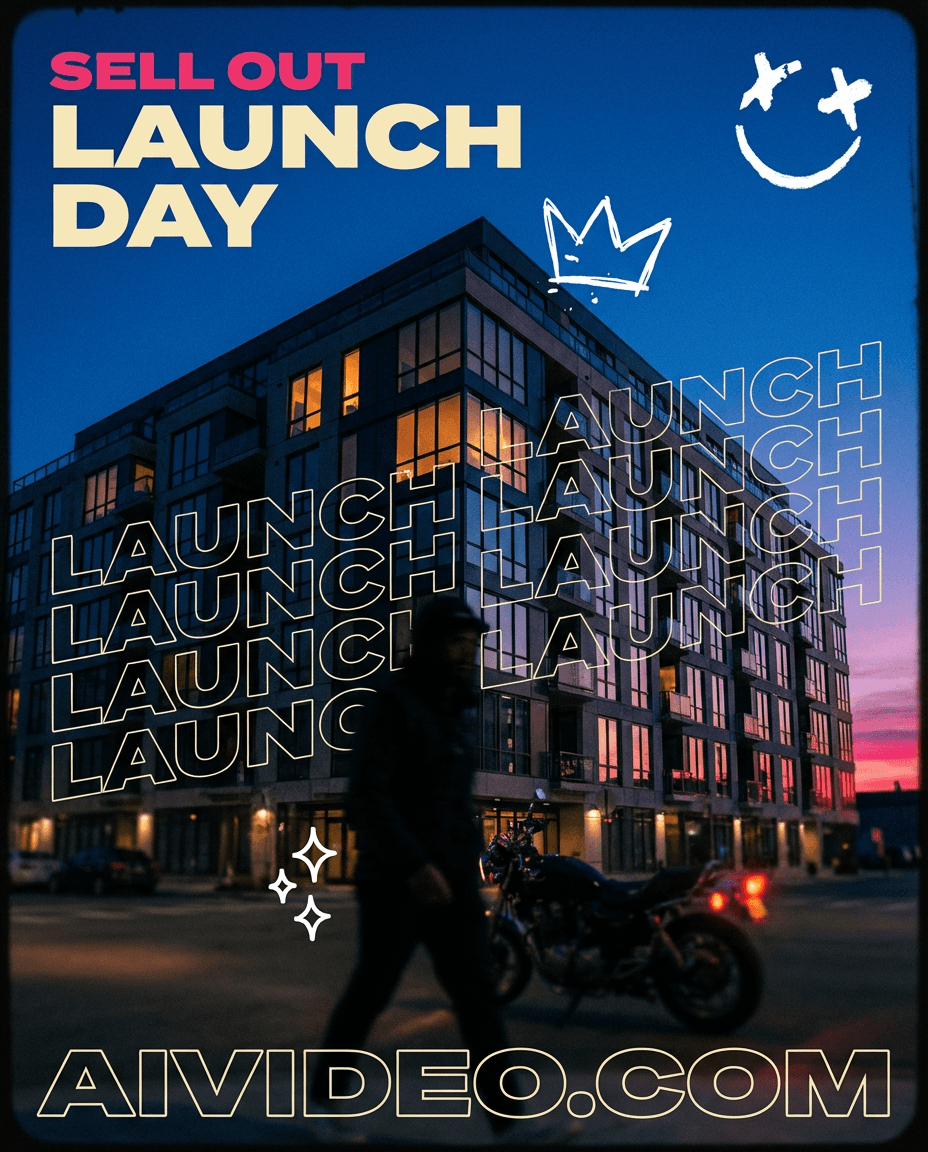
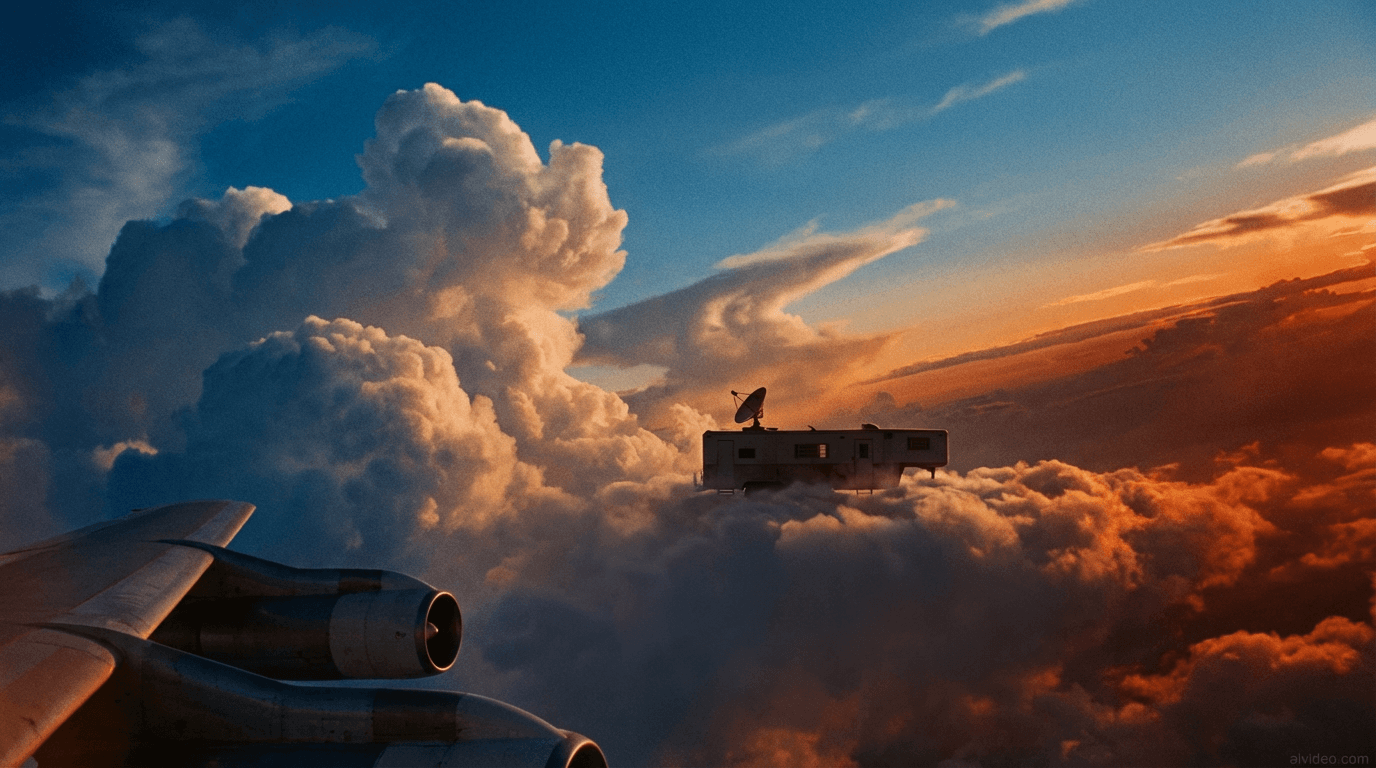
all these videos are generated w 1 prompt on aivideo.com btw
What People Use Image-to-Video AI For
Hot take: "Image-to-Video AI" is less about model hype and more about who can iterate faster with tighter production loops.
Product marketing — animate hero shots, flat lays, and packaging for ads and social posts
Social media content — turn feed images into Reels, TikToks, and Stories with cinematic motion
Real estate tours — generate walkthrough-style clips from listing photos
Fashion and beauty — bring lookbook shots to life with dynamic camera work
Food and restaurant promotion — add steam, motion, and ambiance to menu photography
Portfolio and creative showcase — animate illustrations, renders, and artwork for standout presentations
Frequently Asked Questions
Common questions about image-to-video AI on AIVideo.com.
Animate Your First Image on AIVideo.com
Upload an image, direct the motion, and ship high-performing video variations in minutes from one platform.
Start animating