
Text-to-Video AI: How to Turn Prompts Into Finished Videos With Audio
From one plain-English prompt to a complete video with synced audio, dialogue, and sound effects. AIVideo.com gives you Veo 3.1, Kling O3, Wan 2.7, Seedance 2.0 — all in one platform — so the audio finally feels like part of the shot, not an afterthought.
Veo 3.1 generates video with native audio — dialogue, sound effects, and ambient noise included
Multiple models in one place: switch between Veo 3.1, Kling O3, Wan 2.7, and Seedance 2.0 without leaving the platform
Horizontal, vertical, and square aspect ratios for any distribution channel
Bulk generation and API access so you can scale from one video to hundreds
How AIVideo Text-to-Video Compares
AI video adoption is accelerating, but most teams still stitch together multiple apps. This is the cleaner stack.
| Feature | AIVideo.com | Foundational Models | Competitor Platforms | Other Tools |
|---|---|---|---|---|
| Built-in Video Editor | Pro-grade multi-track timeline with scene control and AI-assisted iteration | No editor — generation only; finishing happens in a separate NLE | Focused on generation; real revisions still require a separate NLE | Usually limited to basic trim-and-export controls |
| AI Assistant (Ava) | Persistent copilot across ideation, editing, and iteration — stays in context | No assistant layer — each prompt starts from scratch | Task-specific helpers exist but lack full workflow memory | Usually no integrated assistant |
| Multi-Model Support | Broad model catalog spanning video, image, audio, avatars, and more — pick the right one per shot | Limited to their own model family — no third-party models | Limited to their own model family — mostly one core pipeline | Typically locked to a single model or provider |
| Backlot Project Storage | Durable project asset system with versioning and shared workspaces | No persistent project storage — assets live outside the tool | Project context is fragmented across sessions | Storage is fragmented or nonexistent |
| AI Sound + Lip Sync | Integrated audio generation and lip sync in the same workflow — no tool hops | Audio handled in post with external tools | Inconsistent end-to-end audio; lip sync requires manual add-ons | Manual add-ons or no audio support |
| Automation Workflows | Reusable workflows chain ideation → generation → edit → publish in one system | No workflow chaining — single-shot generation only | Partial automation, but limited cross-step chaining | Mostly manual, step-by-step processes |
| Speed to First Draft | <60 seconds in a structured workflow | N/A — generation only, no timeline to ship a draft from | Render is fast, but tool hops push the full draft to minutes | 2–10 minutes typical depending on complexity |
Great text-to-video starts before prompting: shot planning beats model switching.
Most teams over-index on prompt length and model novelty while skipping beat design, reference quality, and negative constraints.
In ad and demo contexts, audio timing often becomes the trust signal. If voice and visual rhythm are misaligned, the output feels fake even with strong imagery.
Questions operators should answer before scaling this workflow:
Did we define shot beats before prompt writing?
Are references and brand guardrails explicit or implied?
Do we control what the model should avoid?
Is audio timing designed as part of the visual plan?
AIVideo gives you an all-in-one AI stack, while others split generation, editing, and operations.
Where most other platforms still break cohesion
The gap isn't text-to-video. It's generating synchronized audio, dialogue, and sound effects that actually feel like one complete piece.
Built-in Video Editor
Usually limited to basic trim-and-export controls
AI Assistant (Ava)
Usually no integrated assistant
Multi-Model Support
Typically locked to a single model or provider
The gap is bigger than feature checklists. We run the same automation engine internally, every day, at production scale.
AIVideo.com by the numbers
audio workflow most tools force on you — generate video, then bolt sound on after
unified models now handle video plus native audio in a single generation
views generated using fully synced text-to-video output on AIVideo.com
How to Turn a Prompt Into a Finished Video
Four steps from idea to finished output, without production drag.
Run this prompt-to-publish flow:
Write your prompt
Describe the scene, characters, tone, and any dialogue or sound effects you want. Be specific about camera angles, lighting, and pacing to get the best result on the first try.
Choose your model and settings
Select from Veo 3.1 (for audio-inclusive video), Kling O3, Wan 2.7, or Seedance 2.0. Set your aspect ratio, duration, and quality level. Each model has different strengths — experiment to find the best fit for your project.
Generate and preview
Hit generate and watch the preview render. AIVideo.com streams a low-res preview first so you can evaluate the output before the full-resolution version finishes processing.
Download or iterate
Download the final video in full resolution with embedded audio. If the result needs adjustments, tweak your prompt and regenerate — or try a different model for a fresh interpretation.
Keep reading
More from the AIVideo blog — pick the next playbook for your team.
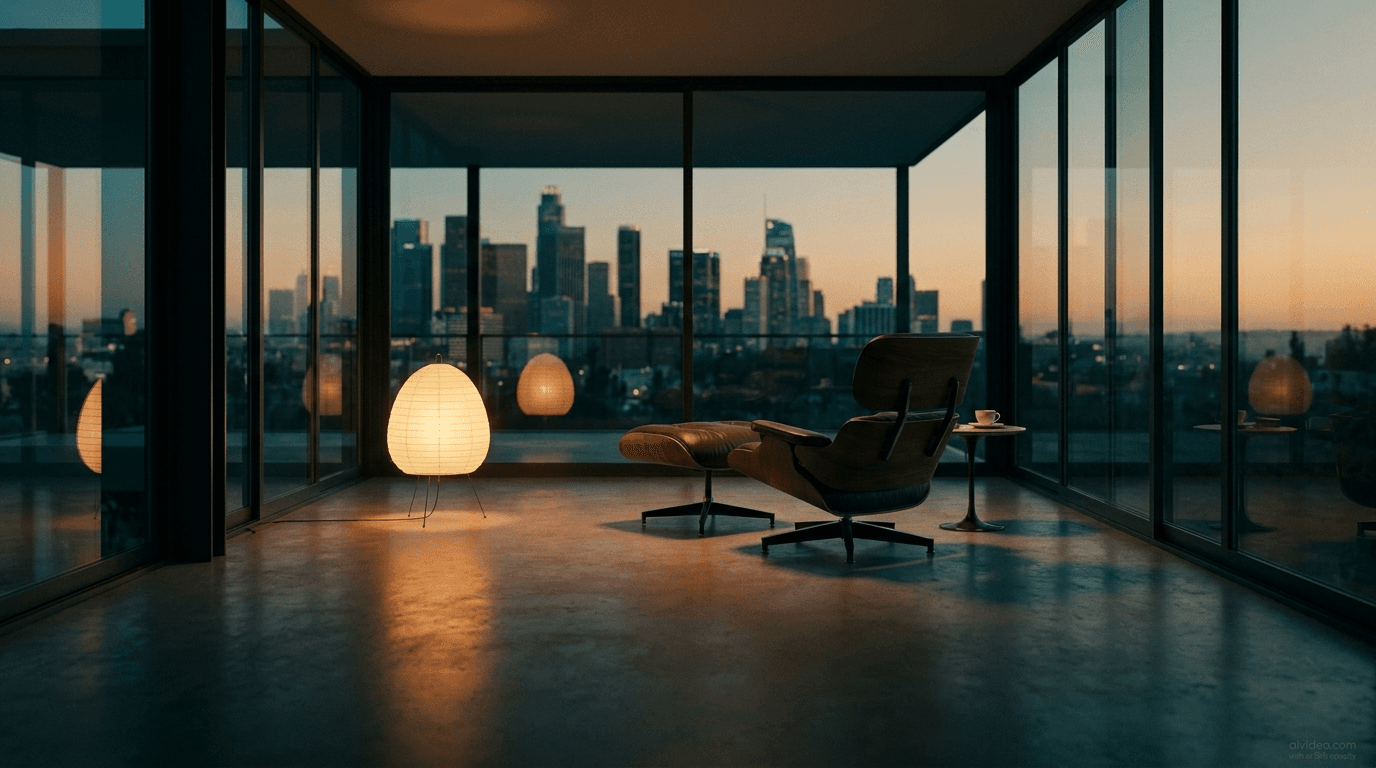
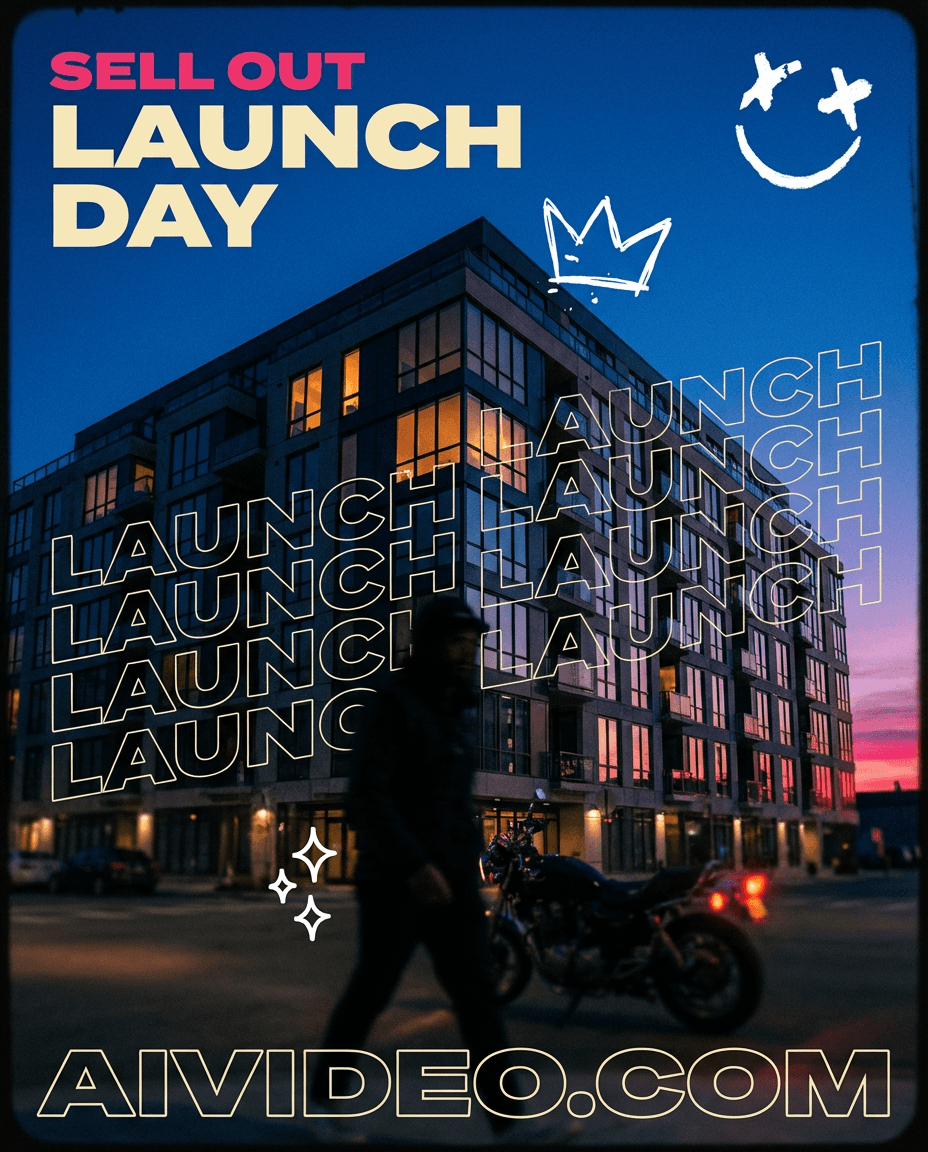
all these videos are generated w 1 prompt on aivideo.com btw




What People Use Text-to-Video AI For
Hot take: "Text-to-Video AI" is less about model hype and more about who can iterate faster with tighter production loops.
Marketing videos for product launches, seasonal campaigns, and brand storytelling
Short-form social content for TikTok, Instagram Reels, and YouTube Shorts
Product demos that show features in action without a film crew
Educational and training content with narrated walkthroughs
Music videos and visual accompaniments for tracks and podcasts
Performance ads with variations for A/B testing across platforms
Frequently Asked Questions
Answers to the most common questions about text-to-video AI on AIVideo.com.
Try Text-to-Video on AIVideo.com
Write once. Generate fast. Iterate with AVA. Ship with audio and format-ready exports from the same workflow.
Generate your first video